Independent Adjusters
Plan the route, capture the required evidence, and finish the documentation without rebuilding the day at your desk.
For independent adjustersPlan the day, capture what the client requires—even offline—and leave the property with the narrative and photo sheet prepared for your review.

Native iPhone and iPad app, available now.
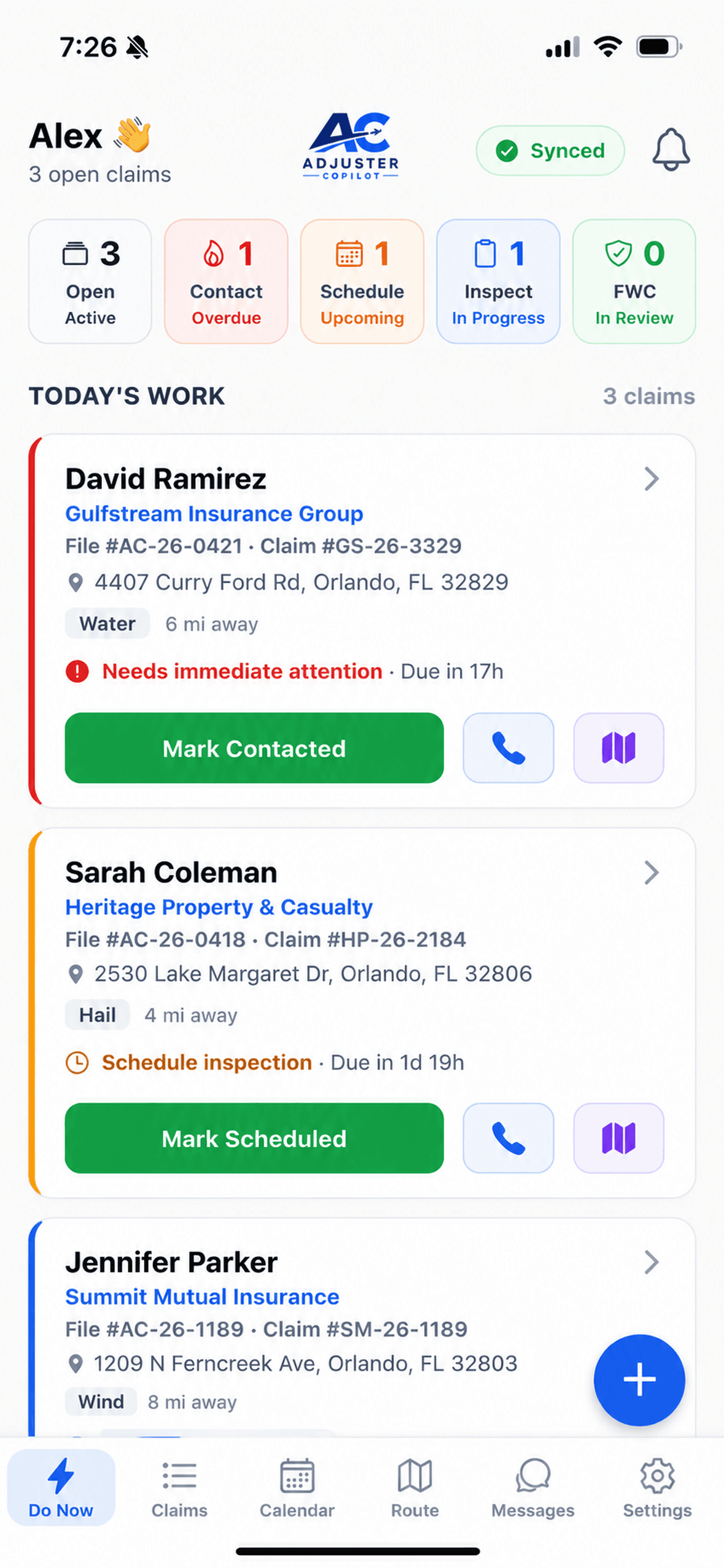
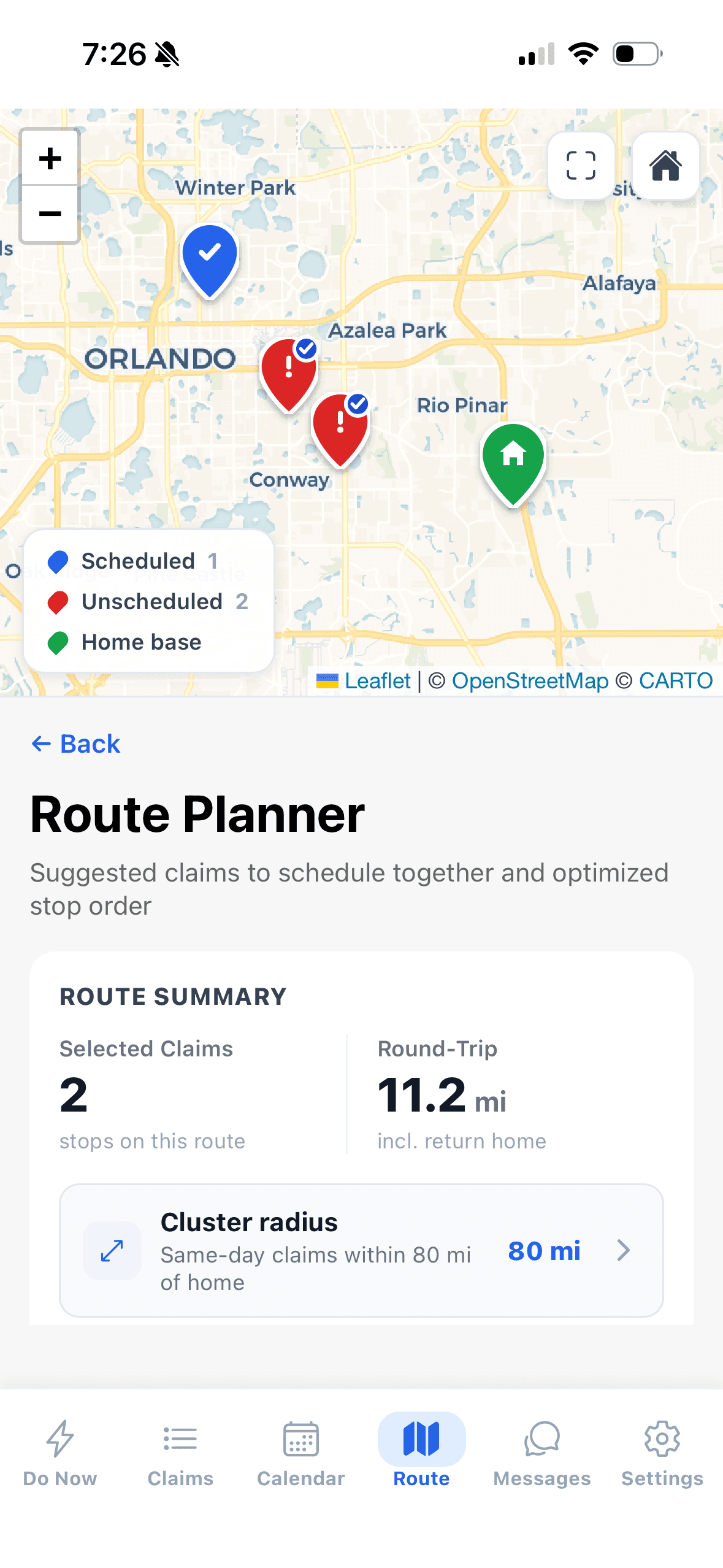
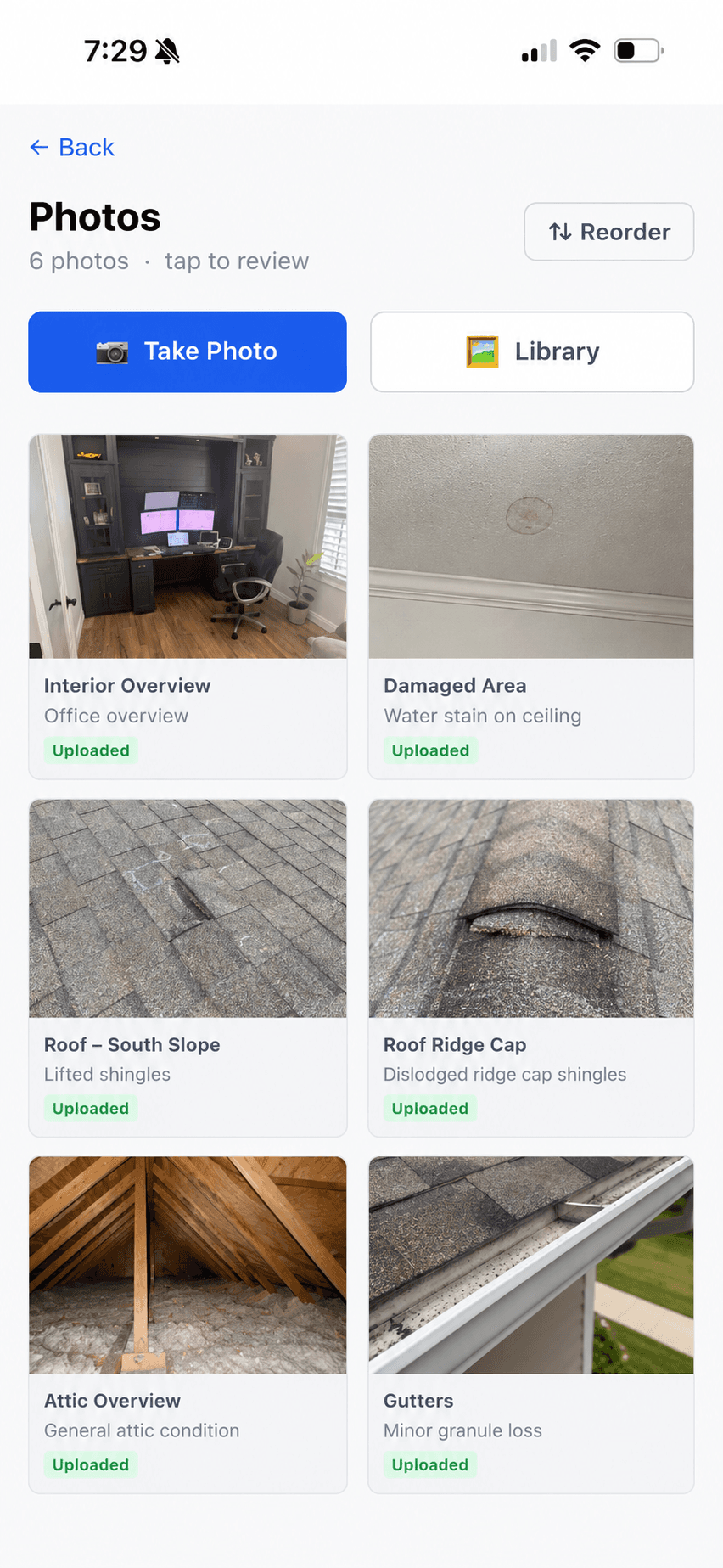
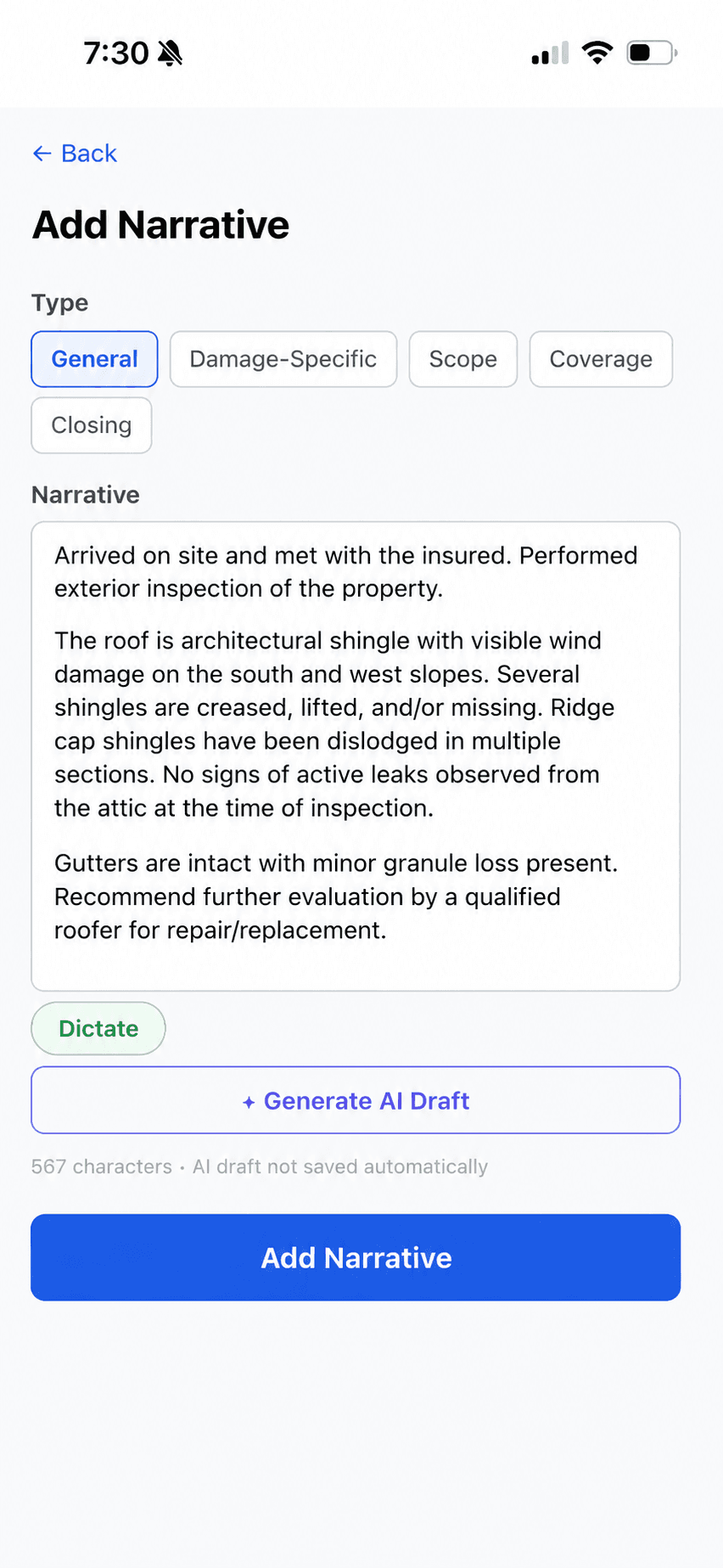
Keep working after a downloaded claim loses signal
See required inspection items while you work
Carry one record from field capture to report review
The work moves forward without being rebuilt at every step.
01
Open the day's claims, map the stops, and build a workable route.
02
Follow the client's questions and required photos—even when signal disappears.
03
Keep photos, answers, notes, and signatures tied to the inspection.
04
Review the drafted narrative and assembled inspection output before it leaves your hands.
The complete walkthrough — the iOS app in the field and the desktop workspace at the office, from assignment through the assembled inspection report.
Copilot keeps the requirements and the evidence together while you are still close enough to fix a gap.
Required photo sets make gaps visible before you leave the property.
Photo documentationDownloaded claims stay workable in basements, attics, and CAT zones, then sync when you're back in range.
Offline inspectionsThe applicable questionnaire, photo set, and narrative template stay with the claim.
Guided inspectionsPlan the route, capture the required evidence, and finish the documentation without rebuilding the day at your desk.
For independent adjustersConfigure the questions, photo requirements, and reporting standards each client expects, then carry them into the field.
For adjusting teamsOrganization-scoped claim data
Human-reviewed AI output
We publish what's ready
These are being built now. They are not available yet, and we do not publish dates — but this is where the product is going.
Scan a room with a supported iPhone or iPad and attach the sketch to the inspection, instead of measuring by hand and redrawing it later.
Order a roof sketch for a claim without leaving the app.
See the hail and wind history for the loss location and date of loss, mapped alongside the claim.
Text the insured from the claim and keep the whole conversation on the claim record.
Carry a captured sketch into your estimating workflow instead of redrawing it. We will not name a supported platform until that compatibility is proven.
Start the 14-day trial, document one real claim, and decide from the finished workflow—not a feature list.
14-day trial. No credit card required. No charge during your trial.